Custom AI
AI that handles the busywork. Connected to the tools and data you already use.
- Assistants that answer from your docs and data
- Automations across ticketing, POS, accounting and ad platforms
- Scheduled reports and live dashboards
CUSTOM AI · MARKETING · SOFTWARE
ELYWARE builds AI tools, websites and campaigns for businesses. Built for our world of live music, venues and media. Ready for yours.
SERVICES
Bring a rough idea or a detailed brief. We scope it, build it and stay on for what comes next.
AI that handles the busywork. Connected to the tools and data you already use.
Websites and campaigns built to sell. Tracking set up so you know what worked.
Tools built around how your team works. Not the other way around.
SELECTED WORK
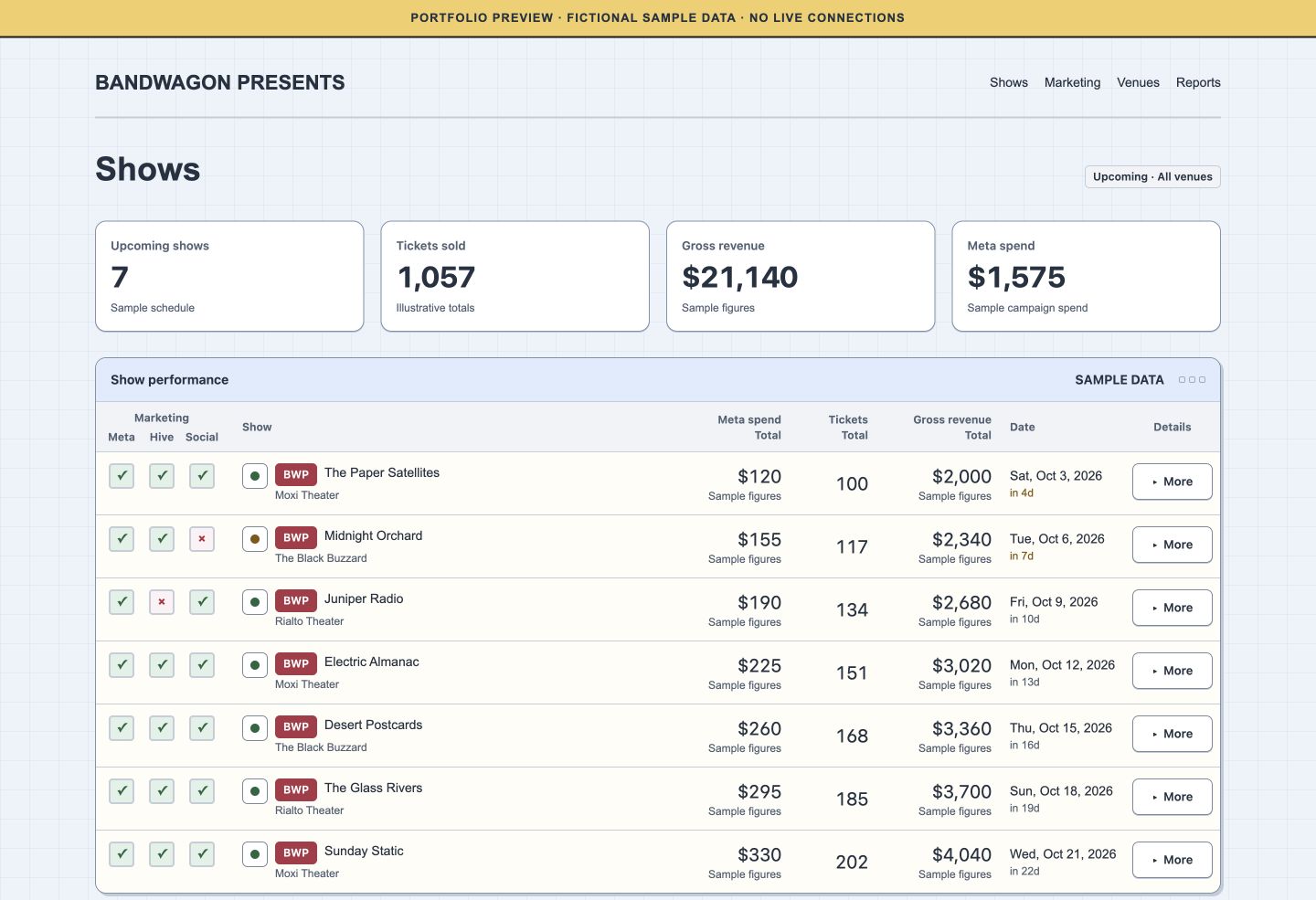
Dashboards, platforms and sites running our own concerts, venues and media, plus work for local businesses. Select a screenshot to see it larger.
Business dashboard
Sales, prime cost and margin across three venues. Pulled straight from POS and accounting.
Promoter tool
Ticket sales, ad spend and marketing checklists for every upcoming show in one view.
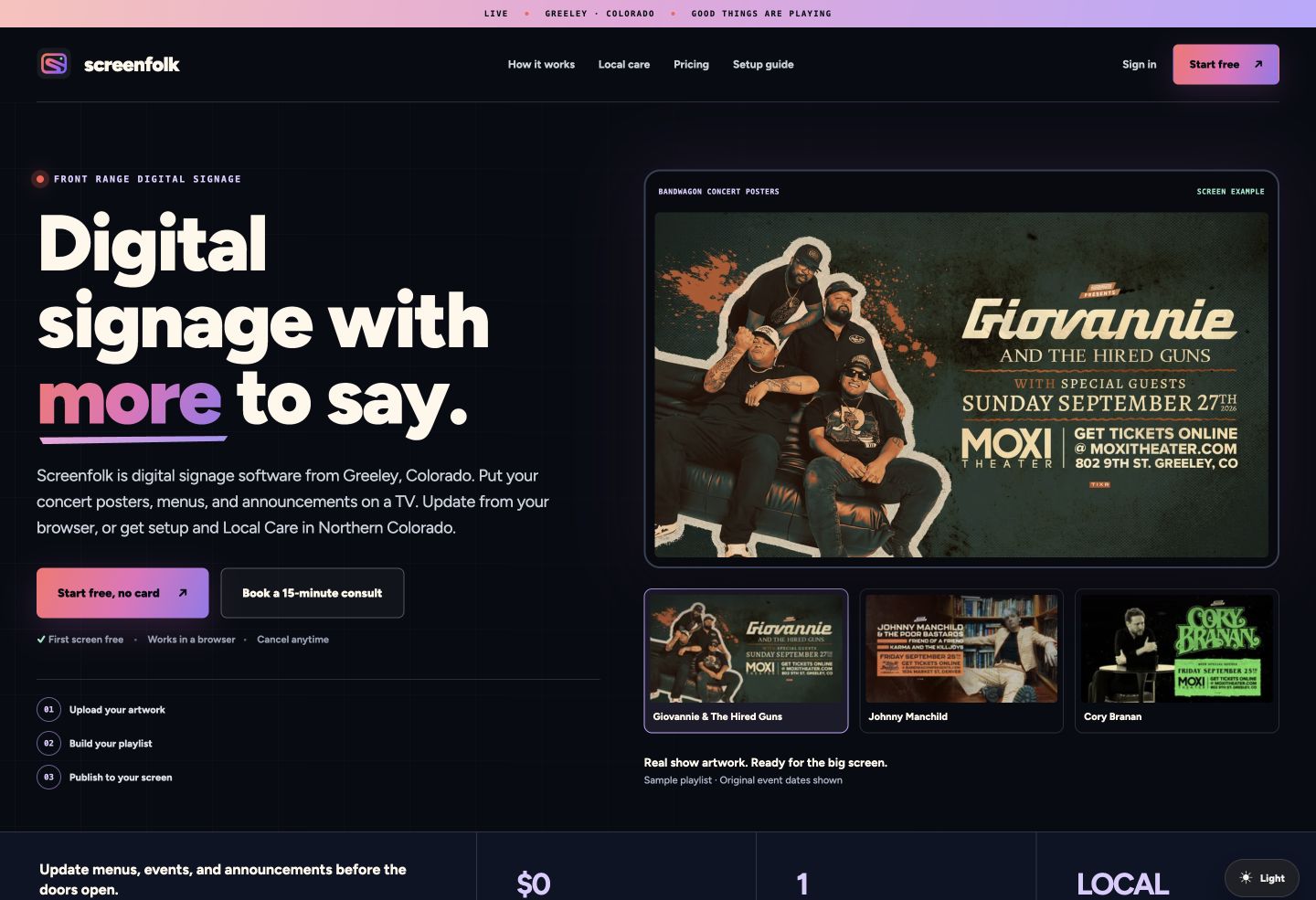
Software platform
Digital signage for bars, venues and businesses. Every screen managed remotely.
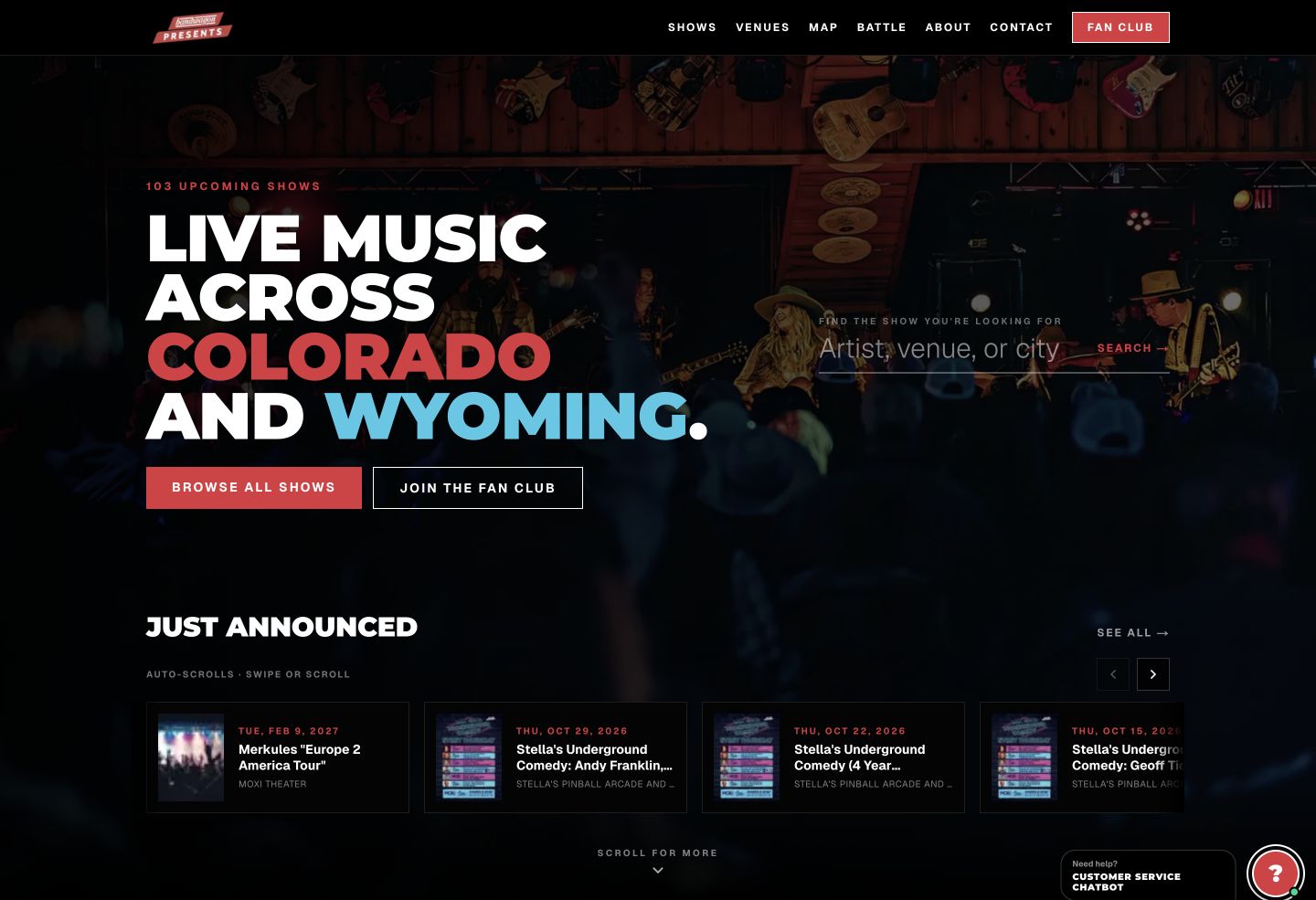
Concert platform
Live music listings and ticket links across Colorado and Wyoming.
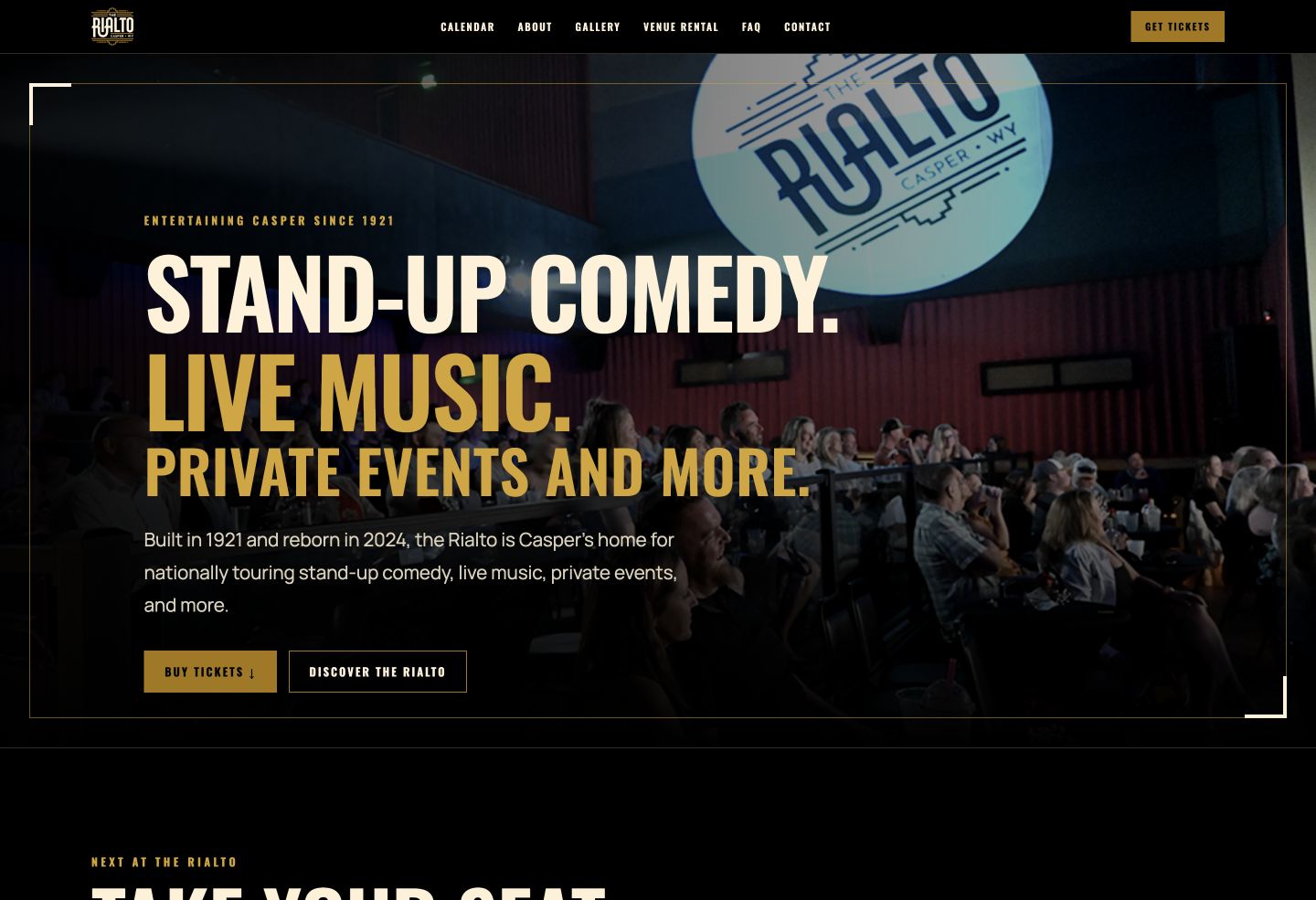
Venue website
Live music, comedy and private events in downtown Casper.
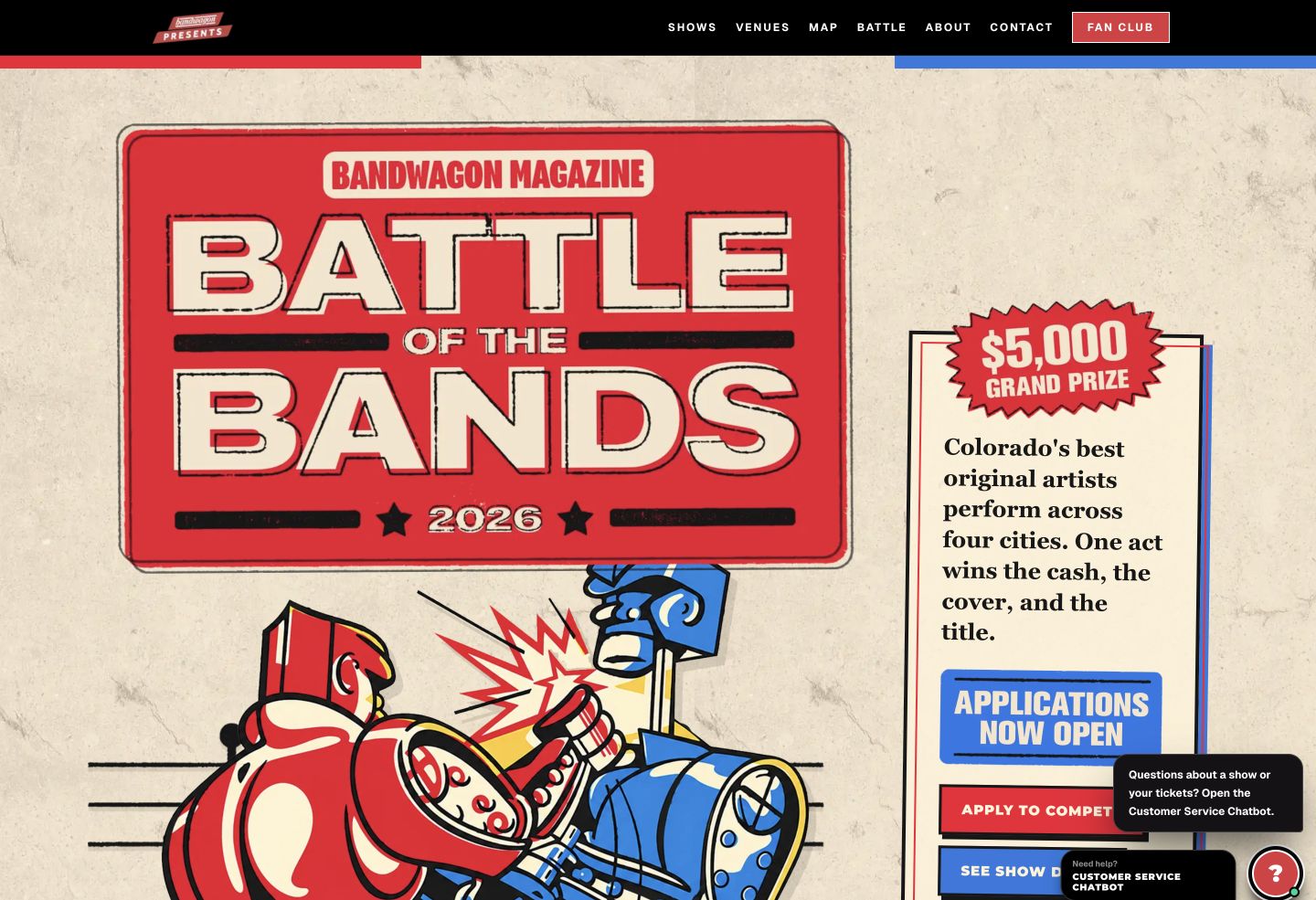
Event campaign
Applications, prize details and promotion for a $5,000 band competition.
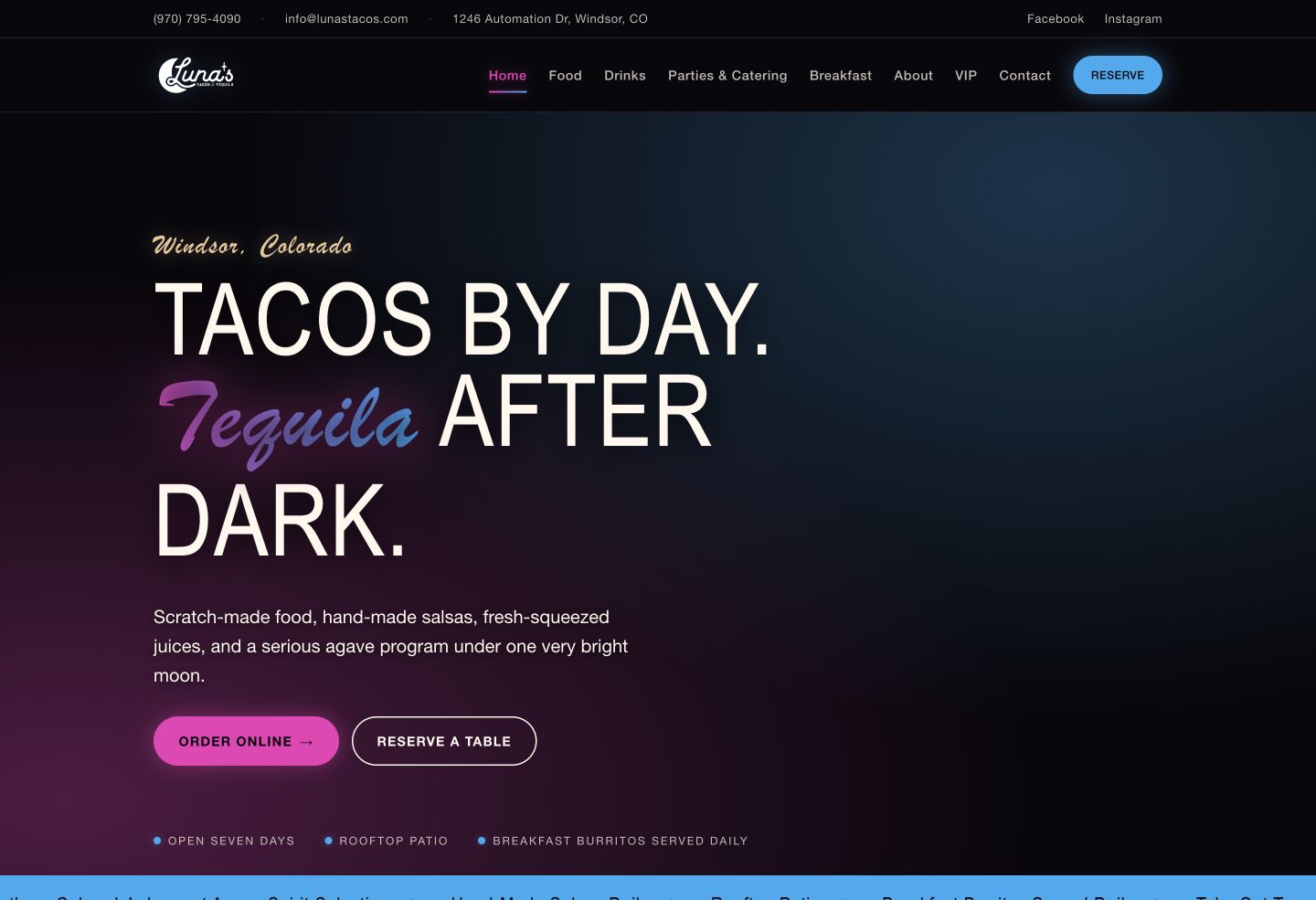
Restaurant website
Menu, online ordering and reservations for the Windsor location.
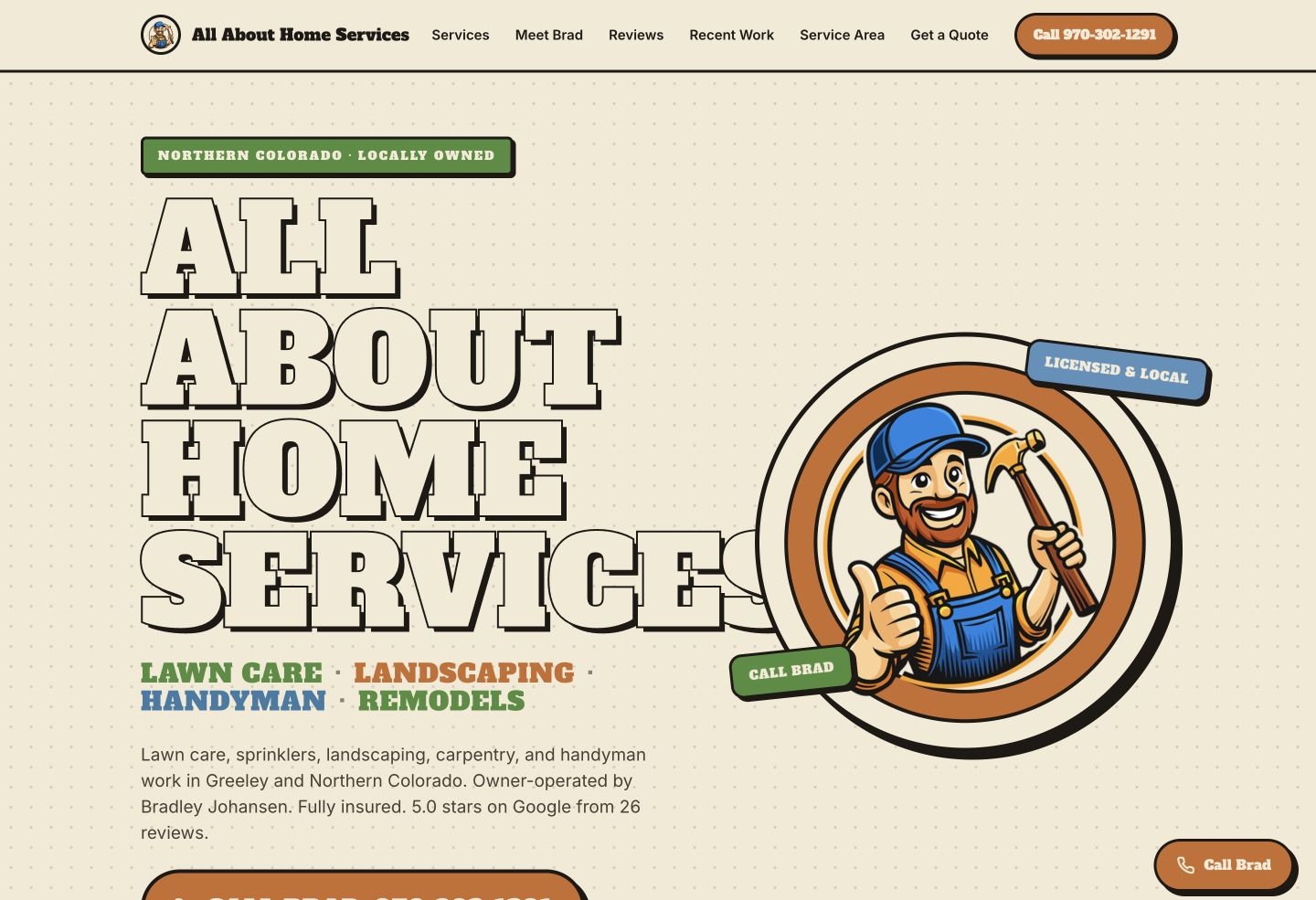
Local business website
Lawn care, landscaping and handyman services in Greeley.
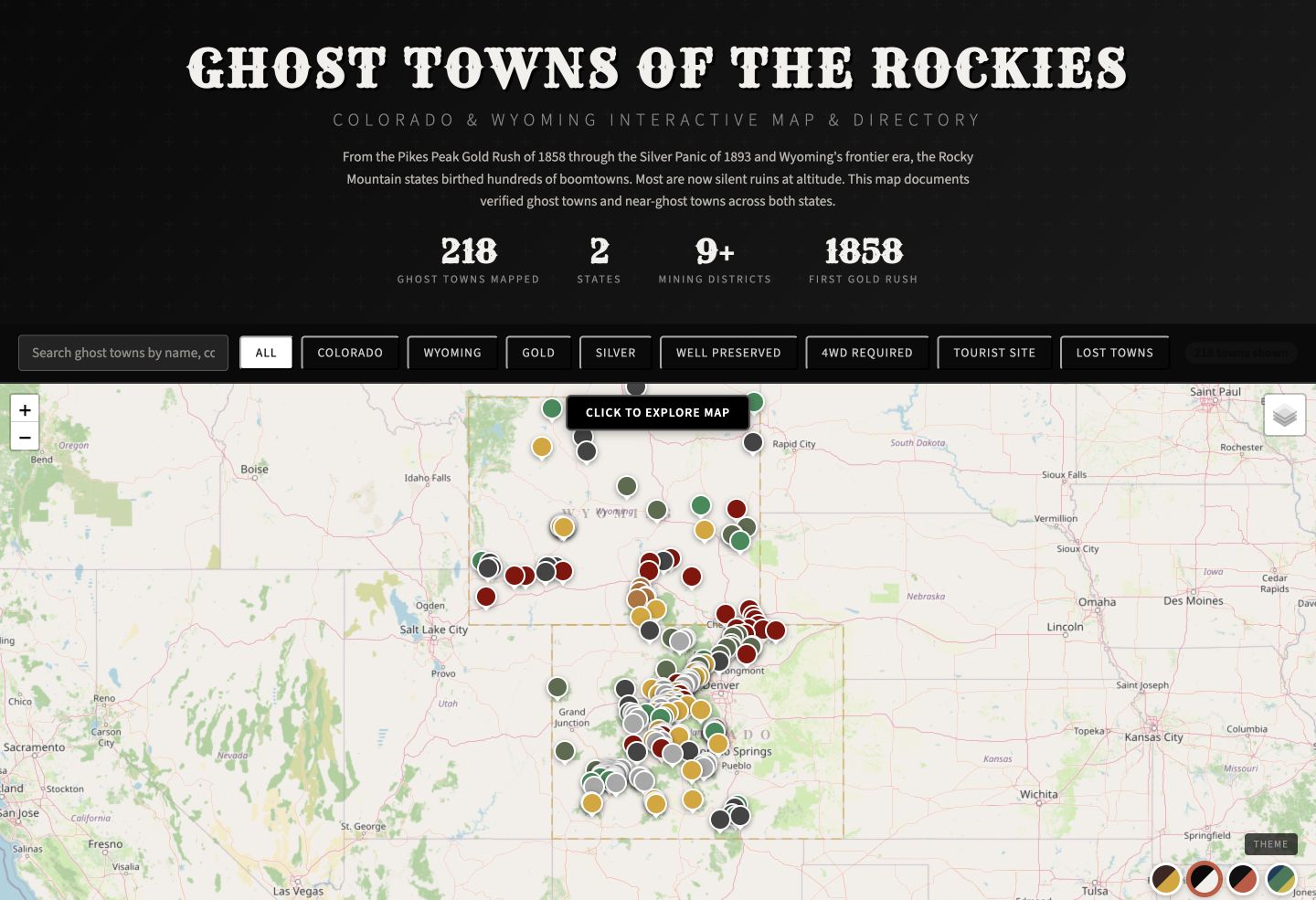
Interactive map
A searchable map of historic places across Colorado and Wyoming.
Also built: Moxi Theater, Stella’s Pinball Arcade & Lounge, The Gaslight Social, Spotlight Café & Creamery, Greeley Blues Jam, Come As You Are Fest, My Favorite Bands and the BandWagon Fan Club.
OUR SOFTWARE
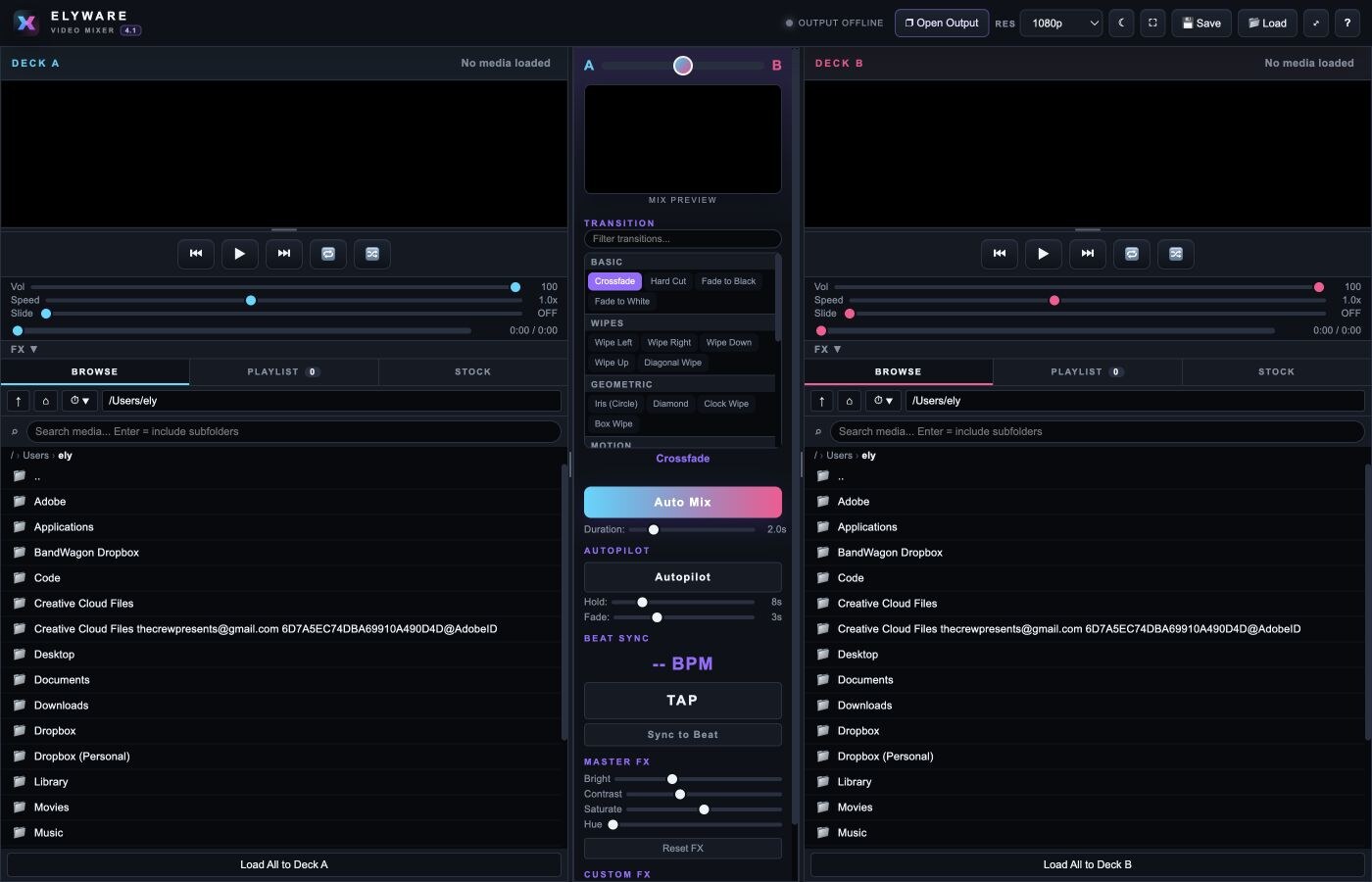
We build software for our own shows, then share it. No account. No watermark.
FREE PUBLIC BETA v4.1
A two-deck live video mixer for VJs, performers and events. Mix clips, images and stock video with 31 transitions. Send a clean 1080p feed to a projector, or cast it wirelessly to a Screenfolk screen.
HOW WE WORK
We start with your business, your audience and the job the project needs to do.
We agree on scope and ship a working version fast. Then we refine it together.
We test, hand off and stay on for support if you want it.
QUICK ANSWERS
Custom AI tools and automations, websites and marketing campaigns, and business apps. We also make free creative software, including ELYWARE Video Mixer.
Practical AI inside your workflow. Assistants that answer from your own documents, automations that move data between the systems you already use, and reports that build themselves on schedule.
No. Our roots are in live music, venues and hospitality. We also build for restaurants, local service businesses and any team with a problem software can solve.
Every project is scoped individually. Send us what you want to build and your timeline. We reply with a practical next step and a scope that fits.
START A PROJECT
Tell us about your business, what you want to build or fix, and your timeline. We reply with a practical next step.